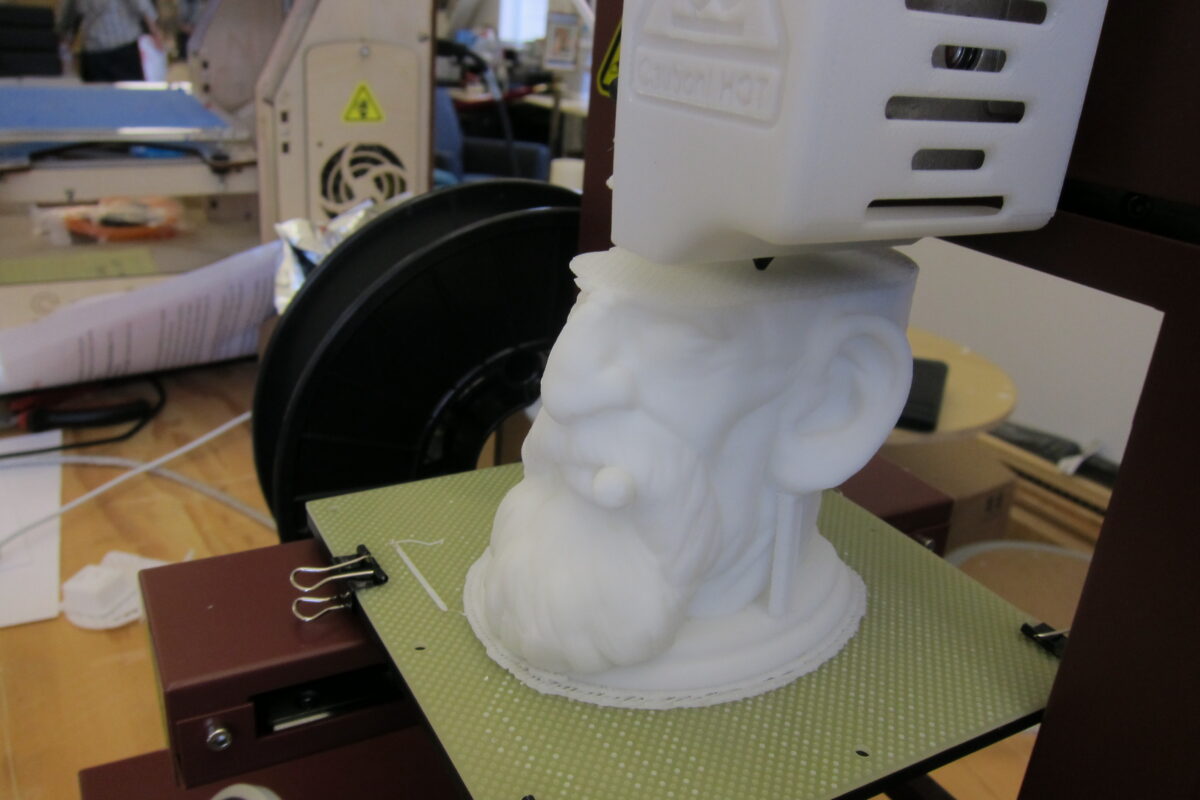
Quick answer: Stringing is thin plastic hairs left between parts of a print, caused by melted filament oozing from the nozzle while it travels. In most cases you fix it by drying the filament, lowering the nozzle temperature by 5-10 °C, and tuning retraction. Work through the fixes below in order, changing one thing at a time.
Last updated: October 26, 2026.
What stringing is and why it happens
Your hotend keeps plastic molten and under slight pressure. When the nozzle lifts and travels across an open gap, for example from one tower of a model to the next, a little melted plastic can leak out and drag behind as a thin strand. Prusa’s knowledge base says stringing and oozing share the same root causes: printing temperature that is too high and incorrect retraction settings, with damp filament and nozzle residue as common extras. Simplify3D’s troubleshooting guide adds that long travel moves over open air make it worse.
The good news: stringing is cosmetic, rarely ruins a part, and is usually fixable in your slicer.
Quick diagnosis
| What you see | Most likely cause | Start with |
|---|---|---|
| Fine hairs between all separate features, new spool | Nozzle too hot or weak retraction | Fix 2 and 3 |
| Hairs plus crackling or popping sounds, rough surface | Wet filament | Fix 1 |
| Stringing started after switching filaments (especially after PETG) | Residue in the nozzle | Fix 6 |
| Blobs and strings only on long travel moves | Travel path and speed | Fix 4 |
7 fixes for stringing
1. Dry your filament
Filament absorbs moisture from the air, and steam bubbling out of the nozzle makes it ooze and string no matter how you tune the slicer. Prusa suggests trying a different spool as a quick test: if a fresh spool prints clean, the first one was likely damp. To dry a spool, use a filament dryer or a food dehydrator at the temperature your filament maker recommends (check the label or datasheet, because PLA, PETG and nylon all differ), then store it sealed with desiccant.
2. Lower the nozzle temperature
Hotter plastic is runnier. Both Prusa and Simplify3D recommend lowering the nozzle temperature by 5-10 °C (about 9-18 °F) and checking whether stringing improves. Do not go so low that the layers stop bonding or the extruder clicks. Every filament has a printable range printed on the spool, so stay inside it. A temperature tower, a small test model that prints at several temperatures, shows you the best value for that specific spool.
3. Tune retraction distance and speed
Retraction pulls the filament back slightly before a travel move to relieve pressure in the nozzle.
- Make sure retraction is switched on in your slicer (Cura, PrusaSlicer, Bambu Studio and OrcaSlicer all have it).
- Check the distance. Prusa says to keep it at 2 mm or less on its direct-drive MK-series printers, while its Bowden-extruder MINI presets use 3.2 mm. Simplify3D gives roughly 0.5-2.0 mm for direct drive and much more for long Bowden tubes. Start from your printer’s built-in profile, then raise the distance in small steps of about 0.5-1 mm.
- Check the speed. Simplify3D describes a useful range of roughly 20-100 mm/s: too slow lets plastic ooze, too fast can grind the filament or make the motor skip.
- Keep “Wipe while retracting” and “Retract on layer change” enabled if your slicer offers them, as Prusa recommends.
More retraction is not always better. Excessive values can cause clogs and gaps, so change one number at a time.
4. Shorten and speed up travel moves
Less time spent moving over open air means less time to ooze. In PrusaSlicer, enable “Avoid crossing perimeters” and “Only retract when crossing perimeters”. In Simplify3D the equivalent is “Avoid crossing outline for travel movement”, and in Cura you can use combing. If your machine handles it, faster travel speeds also reduce stringing.
5. Check your slicer profile for your filament
A profile written for PLA will string with PETG, and the other way around. Pick the profile that matches the brand and material, then adjust from there rather than from scratch.
6. Clean the nozzle and check the hotend
Prusa notes that buildup from long runs of one material, PETG in particular, can cause stringing, and recommends cleaning the nozzle thoroughly. If you recently changed hotend parts, confirm they are assembled correctly. Prusa also lists re-applying thermal paste between the heat break and heatsink on its printers; do that only if your manufacturer’s guide says to, and let the hotend cool first.
7. Clean up what is left
For stray strands, Prusa suggests a heat gun at about 200 °C for one to two seconds, with no longer, or the part can deform. A hobby knife or flush cutters also work. Wear eye protection and keep fingers away from hot surfaces.
Common mistakes
- Changing temperature, retraction and speed all at once, so you never learn which change helped.
- Cranking retraction far above the manufacturer’s recommendation instead of checking the filament is dry.
- Blaming the slicer when the spool has been sitting open for months.
- Printing at the top of the filament’s temperature range “for strength” when the part does not need it.
Safety notes
Nozzles and heat guns are hot enough to burn skin. Let the hotend cool before touching it, and print in a ventilated room, particularly with filaments such as ABS.
FAQ
Does PETG string more than PLA?
Owners commonly report that PETG strings more easily because it stays runnier and absorbs moisture. Prusa’s guidance specifically mentions nozzle residue after long PETG runs. Dry it, keep the temperature at the low end of its range, and retune retraction.
Can I fix stringing without changing slicer settings?
Sometimes. If the spool is damp, drying it can solve the problem on its own. Try a fresh spool first to check.
How much retraction is too much?
There is no single number. Prusa says to stay at 2 mm or less on its direct-drive printers, while Bowden setups need more. If you keep adding distance and stringing does not improve, the cause is probably moisture or temperature.
Is stringing a sign my printer is broken?
Usually not. It is typically a settings or filament issue. Hardware causes are possible, such as poor heat dissipation in the hotend, but check the easy things first.
Sources
- Prusa Knowledge Base: Stringing and oozing
- Simplify3D: Print Quality Troubleshooting, Stringing or Oozing
Next steps
Browse more fixes in our Troubleshooting section, learn about drying and choosing spools in Filament and Materials, and find slicer walkthroughs under How-To and Slicing. New here? Start from the 3DPA home page.
Cover photo: John Abella / Wikimedia Commons, CC BY 2.0.
One thought on “Why is my 3D print stringing? 7 fixes that work”
Comments are closed.